Recovery That Keeps Your Business Running
Ransomware-proof backups with instant recovery across servers, cloud, and endpoints so your systems and data are always available without downtime.
What is Vembu BDR Suite?
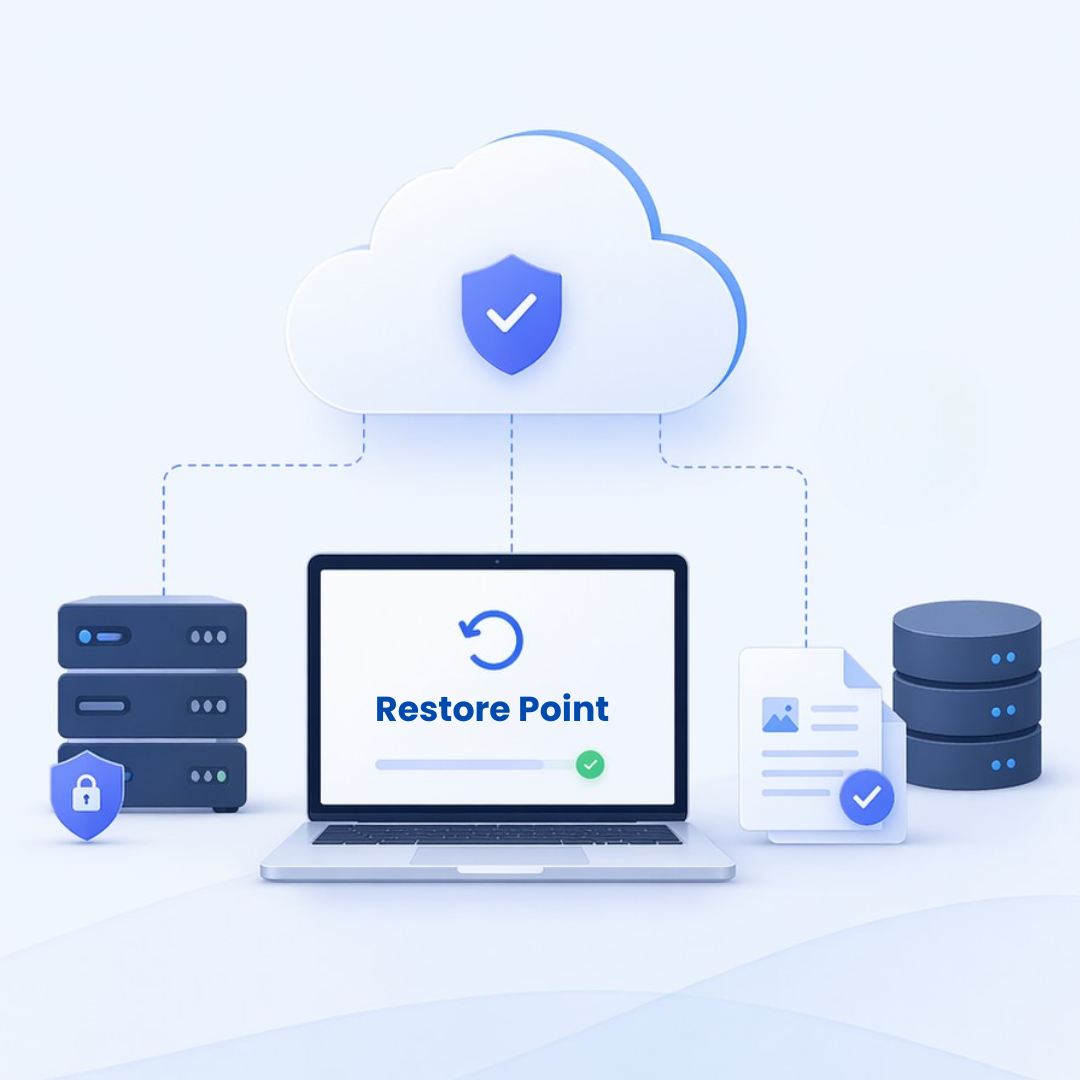
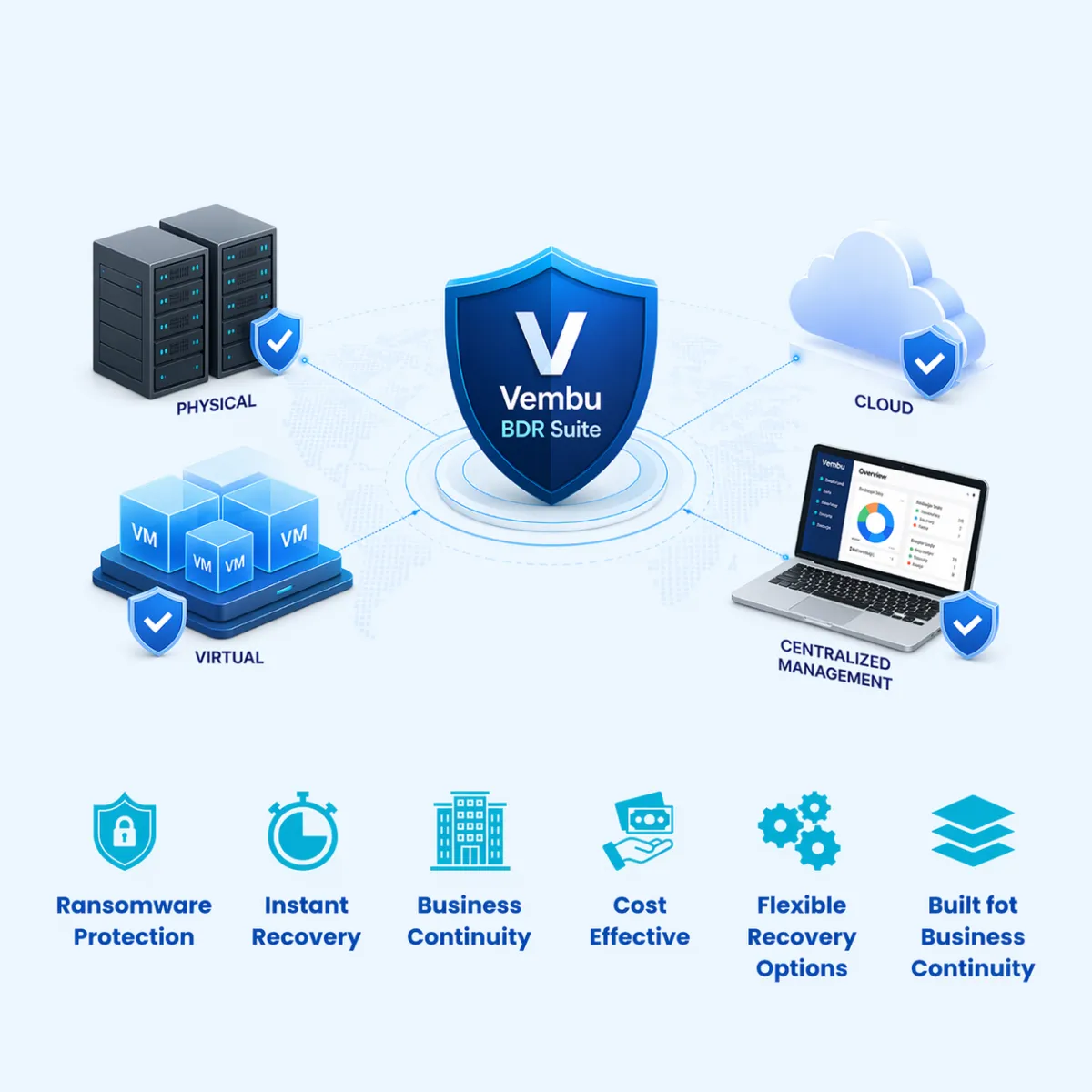
Vembu is a powerful backup and disaster recovery solution designed to protect your business data across physical, virtual, and cloud environments.
Complete Data Protection
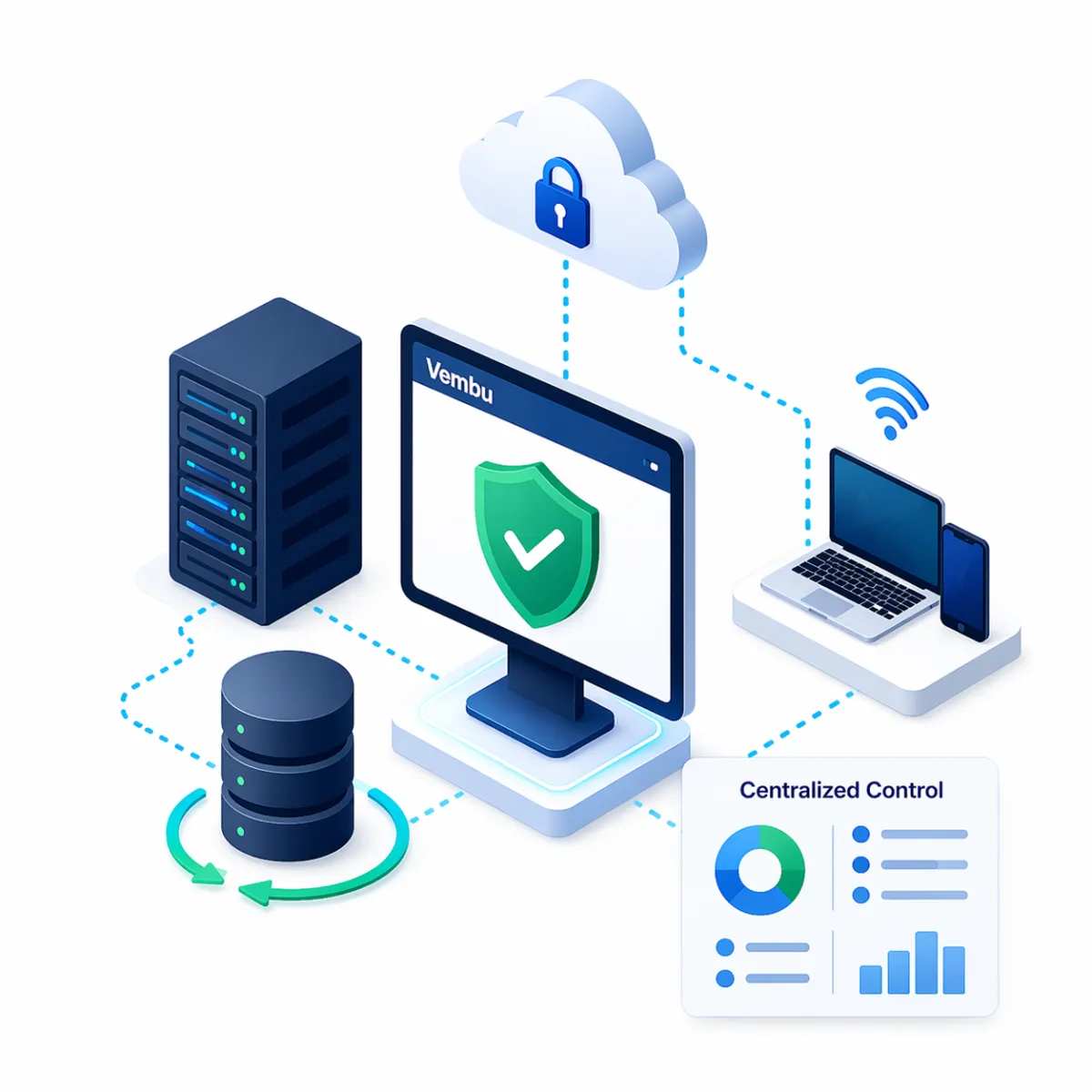
Protects your entire IT environment — from virtual machines and physical servers to cloud workloads and endpoints — all in one platform.
Instant Recovery, Minimal Downtime
Quickly restore files, applications, or entire systems in minutes to keep your business running without disruption.
Ransomware & Threat Resilience
Built-in security features like encryption and immutable backups help safeguard your data against ransomware and cyber threats.
Hybrid & Multi-Environment Support
Seamlessly backs up data across on-premise, cloud, and hybrid infrastructures without complexity.
Centralized Management
Manage all backup and recovery operations from a single, intuitive dashboard — reducing operational overhead.
Cost-Effective Alternative
Enterprise-grade backup and disaster recovery without the high cost and complexity of traditional solutions.
Flexible Recovery Options
Recover exactly what you need — whether it’s a single file, a full VM, or an entire business environment.
Built for Business Continuity
Ensures your critical operations continue even during unexpected failures, outages, or disasters.
Why Businesses Use Vembu
Modern businesses can’t afford downtime or data loss. Vembu helps organizations:
Prevent data loss from hardware failures, ransomware, or human error
Recover instantly with minimal downtime
Protect hybrid environments (on-premise + cloud + remote systems)
Simplify backup management with centralized control
Simple, Powerful Data Protection
Effortless Backup for Complete Data Protection
Virtual Machine Backup
Back up VMware and Hyper-V VMs with Quick Restore and Minimal Downtime.
Cloud & SaaS Backup
Secure Microsoft 365, Google Workspace and AWS EC2 with Automated Backups
Physical Machine Backup
Protect Windows Servers and Desktops Using Full-Image or File-Level Backups.
Instant Data Recovery
Instantly Recover Entire Machines, VMs, or Individual Files with Ease.
Powerful, Scalable Data Protection for Every Environment
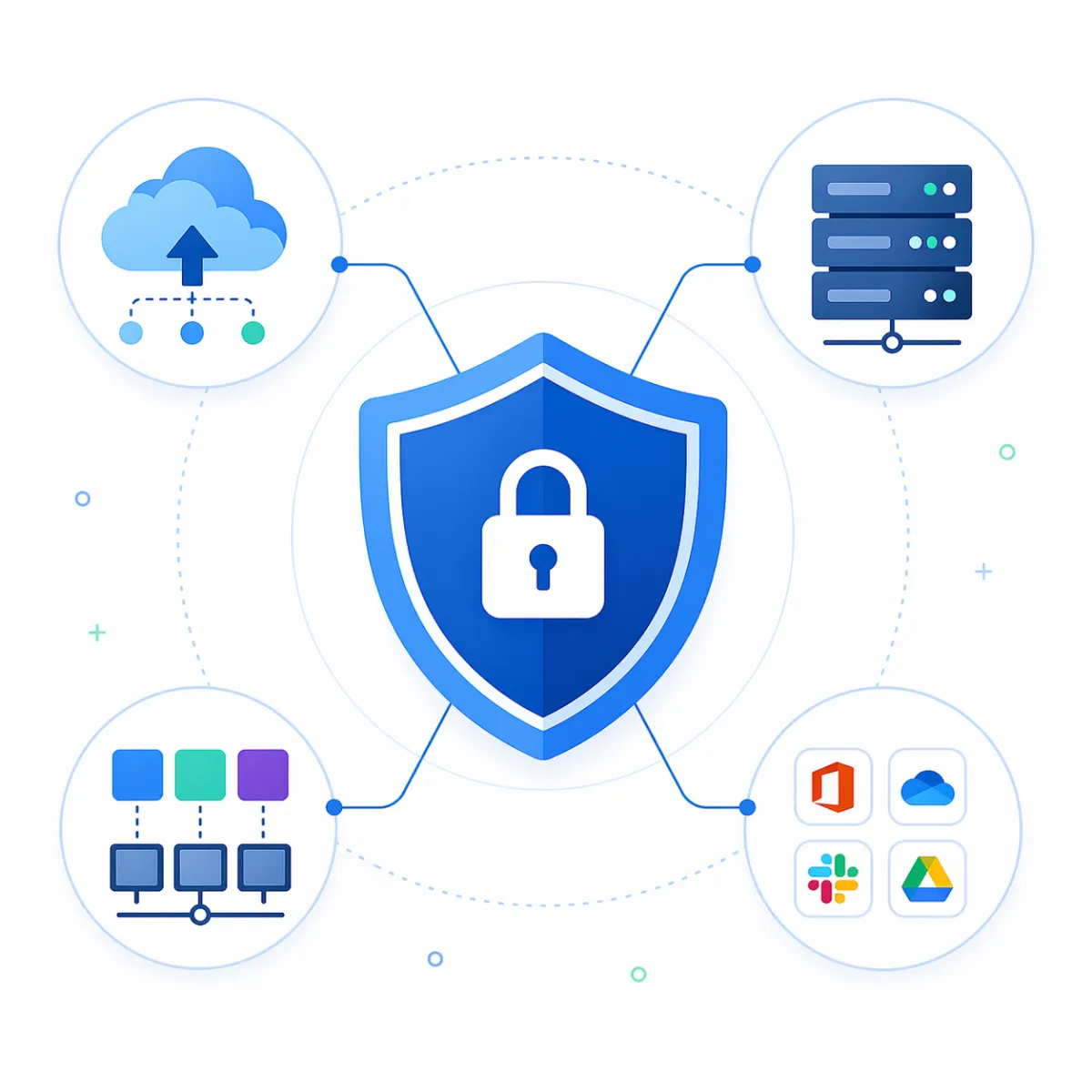
Vembu delivers secure, enterprise-grade backup and disaster recovery across virtual, physical, cloud, and SaaS environments—ensuring rapid recovery, centralized control, and uninterrupted business continuity for critical workloads.
Secure & Reliable Backups
Advanced encryption, compression, and incremental backups ensure your data is always protected, optimized, and ready for recovery without compromise.
Instant Recovery Capabilities
Restore files, applications, or entire virtual machines instantly—minimizing downtime and keeping your operations running without disruption.
Unified Protection Across Environments
Protect virtual, physical, cloud, and SaaS workloads from a single platform—eliminating complexity and improving visibility.
Built for Business Continuity
Designed for mission-critical operations, Vembu ensures fast recovery, high availability, and resilience against failures, outages, and cyber threats.
Comprehensive Backup Coverage
Vembu Supports Virtual, Physical, Cloud and SaaS Environments—Offering Fast, Secure and Scalable Backup and Recovery to Ensure Business Continuity across all Workloads.
BDR Suite Console
Centralized Dashboard to Manage all Backup, Recovery and Replication Activities.
Image-Based Backup
Protect Entire Systems, Including OS, Applications and Data, with Full Image Backups.
OffsiteDR
Replicate backups to Remote Locations for Enhanced Disaster Recovery and Redundancy.
CloudDR
Store Critical Data in the Cloud to Enable Fast, Secure Remote Recovery Options.
Universal Explorer
Perform Granular Restores for Exchange, SQL, SharePoint and Active Directory Data.
Encryption & Compression
Ensure Data Security and Storage Efficiency with AES-256 Encryption and Compression.
Why GCC Leaders Choose Vembu + Softriva Over Competitors
| Key Factor | Vembu + Softriva | Traditional Competitors |
|---|---|---|
| Backup & Recovery Approach | Unified backup + disaster recovery platform with end-to-end protection | Separate tools for backup, DR, and replication |
| Recovery Speed | Instant recovery for VMs, files, and applications | Slower recovery with complex restoration processes |
| Ransomware Protection | Immutable backups, encryption, and secure storage built-in | Limited protection or requires additional security layers |
| Deployment Flexibility | Supports virtual, physical, cloud, and SaaS from a single platform | Limited compatibility or requires multiple integrations |
| Management & Visibility | Centralized dashboard with complete control and real-time insights | Multiple consoles with fragmented visibility |
| Scalability | Easily scales with business growth without infrastructure complexity | Scaling requires additional licensing and infrastructure changes |
| Cost Efficiency | High-performance solution at a significantly lower total cost | Expensive licensing and hidden operational costs |
| Ease of Implementation | Quick deployment with minimal configuration | Complex setup and longer deployment timelines |
| Support & Expertise | Localized support + implementation expertise from Softriva | Generic vendor support with limited regional understanding |
| Business Continuity Readiness | Designed for minimal downtime and continuous operations | Higher risk of downtime during failures or recovery |
Why Choose Vembu
Reliable, Scalable and Easy
Cost-Effective Backup Solution
Affordable Pricing with Enterprise Features to Fit SMB and Large Needs.
Fast and Reliable Recovery
Minimize Downtime with Instant Restores of Entire Systems or Individual Files.
Comprehensive Data Protection
Protects Virtual, Physical, Cloud and SaaS Environments Seamlessly.
Backup Use Cases
Versatile Solutions for Diverse Business Needs
Virtual Environments
VMware Backup
Hyper-V Backup
Instant VM Recovery
VM Replication
Cloud & SaaS Backup
Microsoft 365 Backup
Google Workspace Backup
AWS EC2 Backup
Cloud Data Recovery
Physical Systems
Windows Server Backup
Desktop & Laptop Backup
Image-Based Backup
File-Level Backup
Disaster Recovery
Offsite Backup Replication
Cloud Disaster Recovery
Granular Item Restore
Ransomware Protection
Never Lose Data.
Never Stop Operations.
Ensure your business is always protected with reliable backup and instant recovery—so even when failures happen, your operations don’t.

STILL NOT SURE?
Frequently Asked Questions
What is ZetaHRMS and how does it simplify HR management?
ZetaHRMS is a cloud-based human resource management system designed for GCC businesses that automates payroll, attendance, recruitment, performance, and compliance, simplifying HR processes end-to-end.
Where can I download the ZetaHRMS mobile app for iOS and Android?
ZetaHRMS mobile apps are available on the Apple App Store for iOS devices and Google Play Store for Android devices. Search “ZetaHRMS” or use links provided by your organization.
How do I reset my ZetaHRMS login password?
Use the “Forgot Password” link on the ZetaHRMS login page. Enter your registered email to receive password reset instructions. Contact your HR administrator if issues persist.
What is Zeta ESS and how does employee self-service work?
Zeta ESS (Employee Self Service) allows employees to submit leave requests, view payslips, update personal info, and access HR documents through a secure mobile or web portal.
How do I activate my ZetaHRMS account using the activation URL?
Your HR department provides an activation URL via email. Click the link, set your password, and complete profile setup to activate access to ZetaHRMS.
Can I download the ZetaHRMS APK for offline installation?
ZetaHRMS APK files may be available from your HR or IT department for controlled offline installation on Android devices. Always use official or authorized sources to ensure security
Where can I find the official ZetaHRMS login page?
The official login page URL is typically shared by your employer or HR department and accessed via a secured company intranet or direct link provided during onboarding.
Does ZetaHRMS support multi-device access including mobile apps and web?
Yes, ZetaHRMS supports access via desktop web browsers and dedicated mobile apps on iOS and Android for flexible, on-the-go HR management.
How secure is my personal and payroll data on ZetaHRMS?
ZetaHRMS implements enterprise-grade security with encrypted data transmission, secure authentication, role-based access control, and compliance with data privacy standards including TDRA.
What steps are involved in downloading and installing the ZetaHRMS app APK?
Receive the APK file from your IT department, enable installation from unknown sources on your device settings, then run the APK installer. Confirm the app’s permissions and complete setup.
Is ZetaHRMS compatible with multiple currencies and regional compliance standards?
Yes, ZetaHRMS supports multi-currency payroll processing including AED, SAR, and USD, and complies with regional labor laws and tax regulations specific to GCC countries.
Can Softriva customize ZetaHRMS workflows to fit specific business needs?
Yes, Softriva works closely with clients to design and implement tailored approval chains, automated notifications, and integrations that fit unique organizational structures and HR policies.
How does Softriva ensure ZetaHRMS compliance with GCC regulations?
Softriva continuously monitors regional HR law changes and updates ZetaHRMS configurations accordingly, ensuring payroll accuracy, WPS compliance, data residency, and audit readiness for GCC businesses.
#4232 King Abdulaziz Rd
Albasatin District
Jeddah 23719
Saudi Arabia
Company
Managed Services
Web Solutions
Business Tools
+966 54 136 1317


Growth Tools
Data Analytics & BI
GRC Solutions
Copyright 2025. Softriva. All Rights Reserved.